Turn Any Device Into a Bitcoin POS
Open the POS in any browser. Tap products, show a QR code, get paid in seconds. No hardware to buy, no app to install.
Take Payments Anywhere
No terminal, no dock, no wires. Open the POS on your phone and start selling.
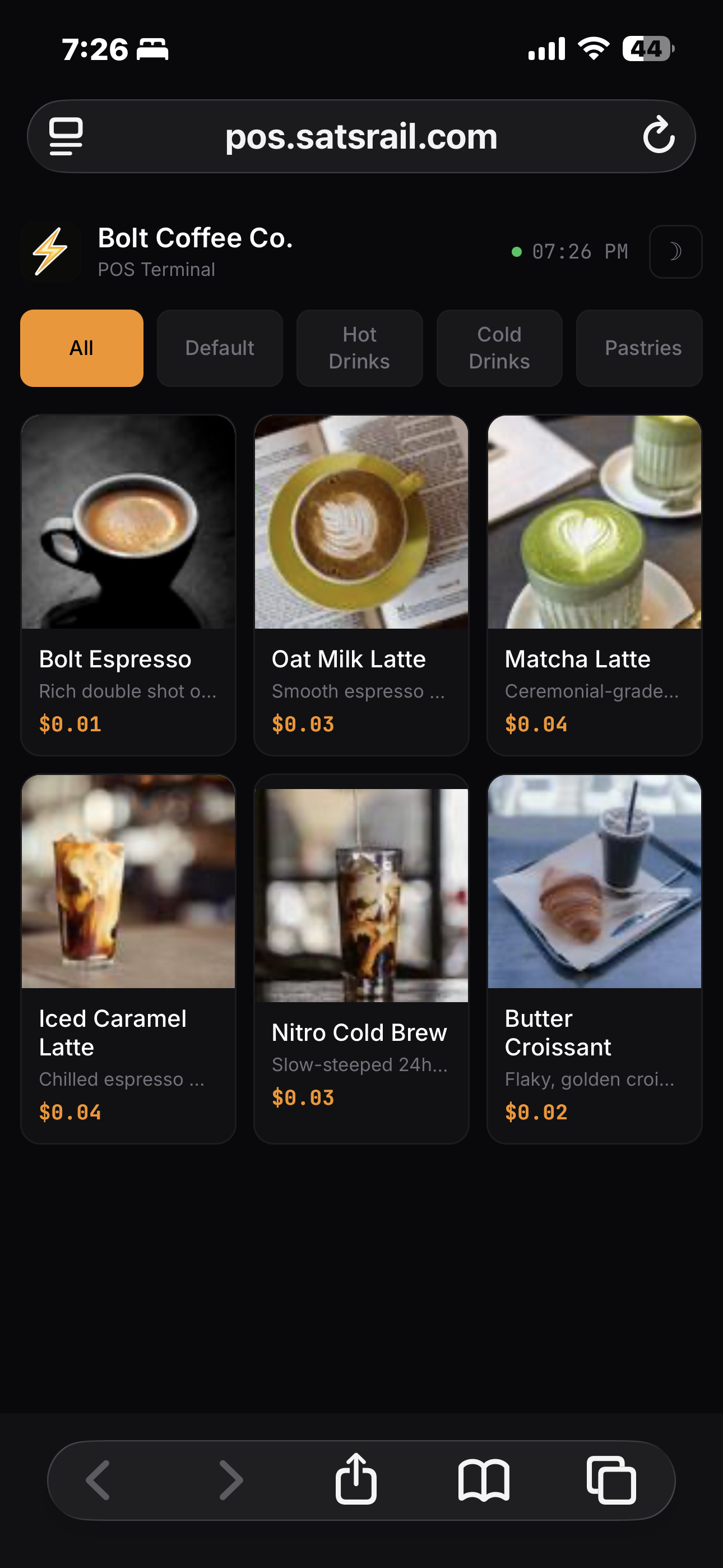
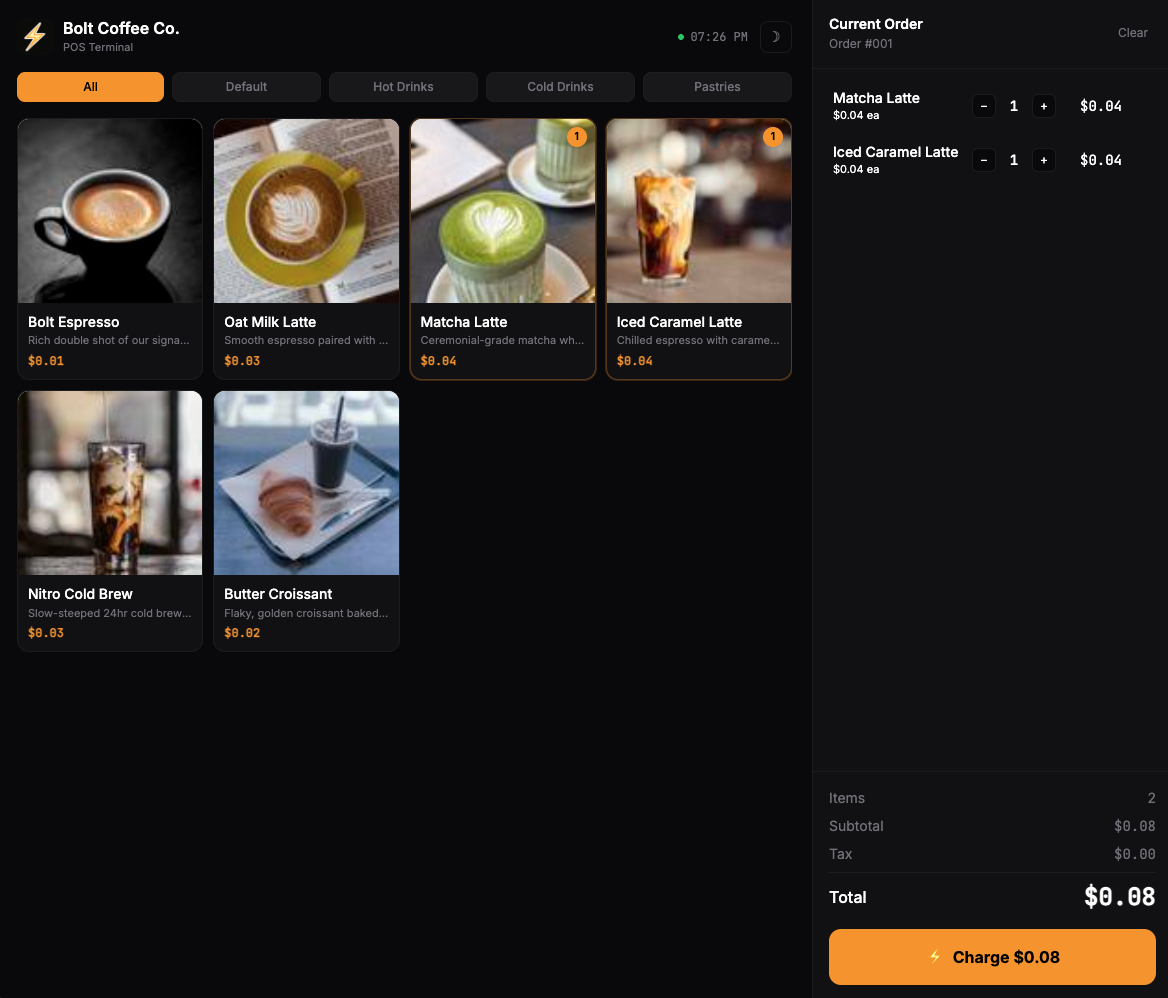
Built for Real Stores
Everything you need to accept Bitcoin at the counter
Stop Overpaying for POS Hardware
See how SatsRail POS compares to traditional terminals
| SatsRail POS | Square / Clover / Toast | |
|---|---|---|
| Hardware | $0 — use any device | $300 – $1,500+ |
| Monthly fee | Free plan available | $60 – $165/month |
| Transaction fee | $0 | 2.6% + $0.10 |
| Settlement | Seconds | 1–3 business days |
| Chargebacks | Impossible | $15–$25 per dispute |
| Account freezes | Never | Common for "high-risk" |
| Setup time | 5 minutes | Days to weeks |
Built for Your Industry
Anywhere you have a counter, you have a Bitcoin terminal
Coffee Shops & Cafes
Fast checkout for small tickets. Put a tablet on the counter and accept Bitcoin alongside cash.
Retail Stores
Full product catalog with categories. Clothing, vape shops, record stores, bookshops — any product line.
Food Trucks & Markets
Open it on your phone. No equipment to haul. Accept payments anywhere you have a connection.
Restaurants & Bars
Table-side checkout with tips. Staff carry a tablet. Tips go directly to the wallet.
Events & Pop-Ups
Bitcoin conferences, art shows, meetups. Set up in minutes, tear down in seconds.
Tourist Spots
Tourists pay with Strike or Cash App — no foreign card fees, no chargebacks. Cheaper for you, easier for them.
Your Customers Are Already on These Platforms
All major exchanges support Lightning — their users can pay you instantly.



Cloud Backend. No Install.
Just Open and Sell.
Manage products, sales tax, and tips from the dashboard. The POS connects to the SatsRail API — host it yourself, or use ours. Runs anywhere a browser runs.
Instant payments
Your wallet, your keys
USD, EUR, any currency
Login or API key per cashier
Get Set Up
Four steps to accepting Bitcoin payments
Install Alby Hub
Download Alby Hub — your Lightning wallet that acts as your Bitcoin bank account. Keep it running to receive payments.
Create Your SatsRail Account
Register at satsrail.com and connect your Alby Hub wallet. This links your payments to your account.
Add Your Products
Download our spreadsheet template, fill in your catalog, and upload it. Set your tax rates and tip options.
Open the POS & Sell
Launch the POS in any browser, log in, and start accepting payments. Your catalog is ready to go.
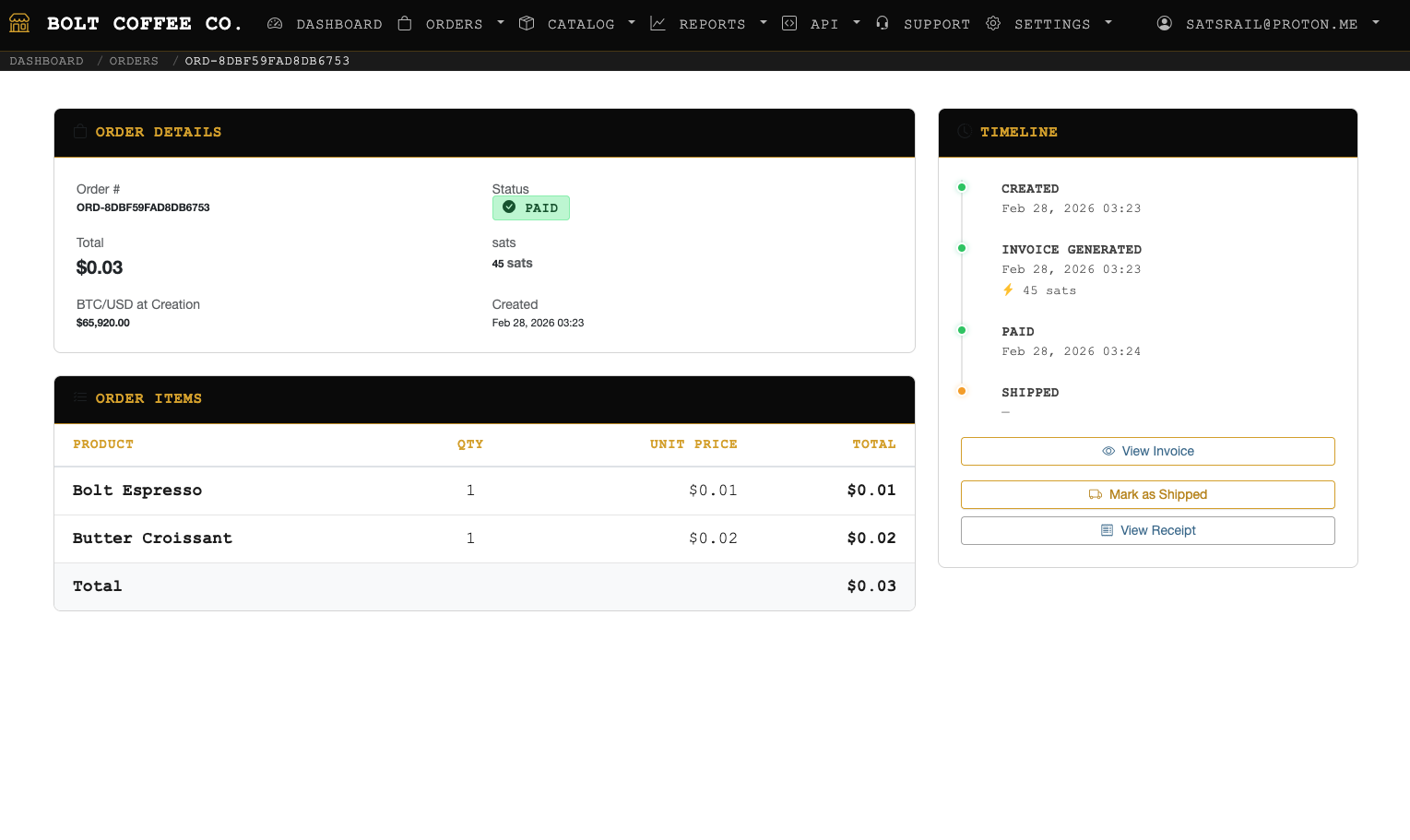
Every Order. Every Sat. Tracked.
See payments in real time, manage your catalog, and track every sale — all from one dashboard.
Free forever for early adopters — limited spots
Ready to Ditch the Credit Cards?
No hardware. No fees. No chargebacks. Your customers already have the app — you just need the QR.
SatsRail POS is a feature of SatsRail • Register at satsrail.com to get started